Project Settings | General Tab
Accessing Project Settings
- Navigate to the Settings section of your system and click on Project Settings to access the module OR clicking here while logged into Regpack.
General System SettingsGeneral System Settings
System Status
The System Status controls whether your project is open for registration, in development mode, archived, or closed.
- Open Project* Purpose: Allows the system to accept registrations and process payments.
- When to Use: Select “Open Project” only when:* Your project build is complete.
- You have thoroughly tested your system.
- You are ready to go live and accept real users.
- Closed for Registration and Login* Purpose: Prevents users from registering or logging in via the front end.
- User Experience: Displays a customizable message to inform users of the project’s status.
- When to Use: Ideal for pausing registration temporarily without archiving the project.
- Development Mode* Purpose: A test mode that simulates an open project.
- Features:* Displays a red warning box to indicate test mode.
- Allows you to review the registration process without affecting live data.
- We automatically populate test credit card credentials and payments will be routed to a test server.
- When to Use: Use during the testing phase of your project.
- Archive Project* Purpose: Closes the project and prevents further activity.
- User Experience: Displays a customizable message to users trying to access the project.
- Visibility:* Archived projects are hidden from your main project list.
- To view archived projects, click “Include Archived Projects” in your project list.
- When to Use: Archive projects that are no longer active but may need to be referenced in the future.
Project Name
- The project name appears on the front-end of the template site and on the back-end at the bottom of your screen.
Applicant Naming
- The system can refer to front-end users using custom titles that match your project, such as:* Parents & Campers
- Organizers & Attendees
Naming in User Management
- Users in User Management can be displayed using:* First and Last Name
- Organization Name
System Marketing ToolsSystem Marketing Tools
System Email & System Email Name
- Set the email address and name you want system emails to be sent from.
- Regpack automatically prevents duplicate email addresses and general email addresses such as "info" or "registrar" from becoming admin usernames. General emails can be added as a System email, so you can send emails from the address within Regpack.
Link Your Marketing Tools
Google Tag Manager
Enter your Google Tag ID — a string of letters and numbers that starts with GTM- (for example, GTM-XXXXXXX). You'll find it at the top of the screen in your Google Tag Manager account.
You do not need to fill in both the Google Tag Manager and Google Analytics fields. If you use Google Tag Manager, you can manage all of your tags — including Google Analytics 4 and Google Ads — through your container, so a Tag Manager ID on its own is enough.
Google Analytics (GA4)
Enter your Google Measurement ID — a string of letters and numbers that starts with G- (Google Ads IDs that start with AW- are also accepted).
To find your Measurement ID:
Sign in to your Google Analytics account.
In Admin, under Property settings, expand Data collection and modification.
Click Data streams, then click the name of your data stream. (If you don't have one yet, add a data stream first.)
In the Google tag section, click Configure tag settings, then copy the ID that starts with G- (or AW-).
For Google's own walkthrough, see Find your Google tag ID.
Once saved, Regpack automatically pushes events into your Google Analytics (or Google Tag Manager) account as people move through your registration process. The events we pass are:
Sign-up — when a user registers.
Form View — when a user views a form.
Form Complete — when a user completes a form.
Payment Issued — on every front-end payment; this event includes the payment value. (Payments made in the back-end by an admin do not fire this event.)
Mark your Key Events (conversions):
In Google Analytics, go to Admin → Data display → Key events.
Mark the Regpack events you want to track (for example, Payment Issued or Sign-up) as Key Events.
Once marked, they'll appear in your Google Analytics reports. Trigger an event through a test registration or real user activity to confirm data is flowing
Bing Tag
Regpack will push information into your account automatically as people move through your registration process and you can use the Bing tools to track conversions and actions.
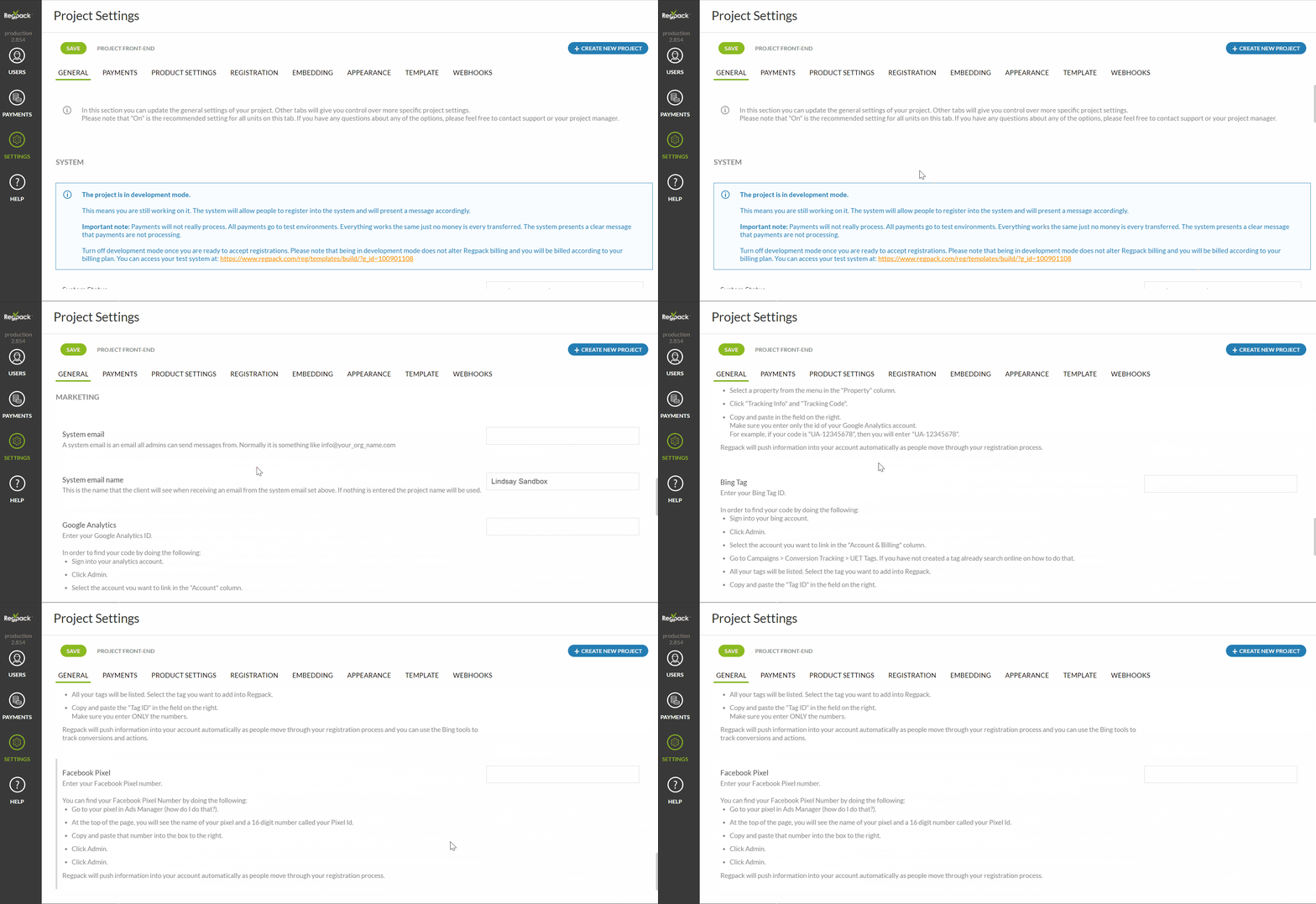
Where to find your Bing tag* Sign into your Bing account.
- Click Admin.
- Select the account you want to link in the "Account & Billing" column.
- Go to Campaigns > Conversion Tracking > UET Tags. If you have not created a tag already search online on how to do that.
- All your tags will be listed. Select the tag you want to add into Regpack.
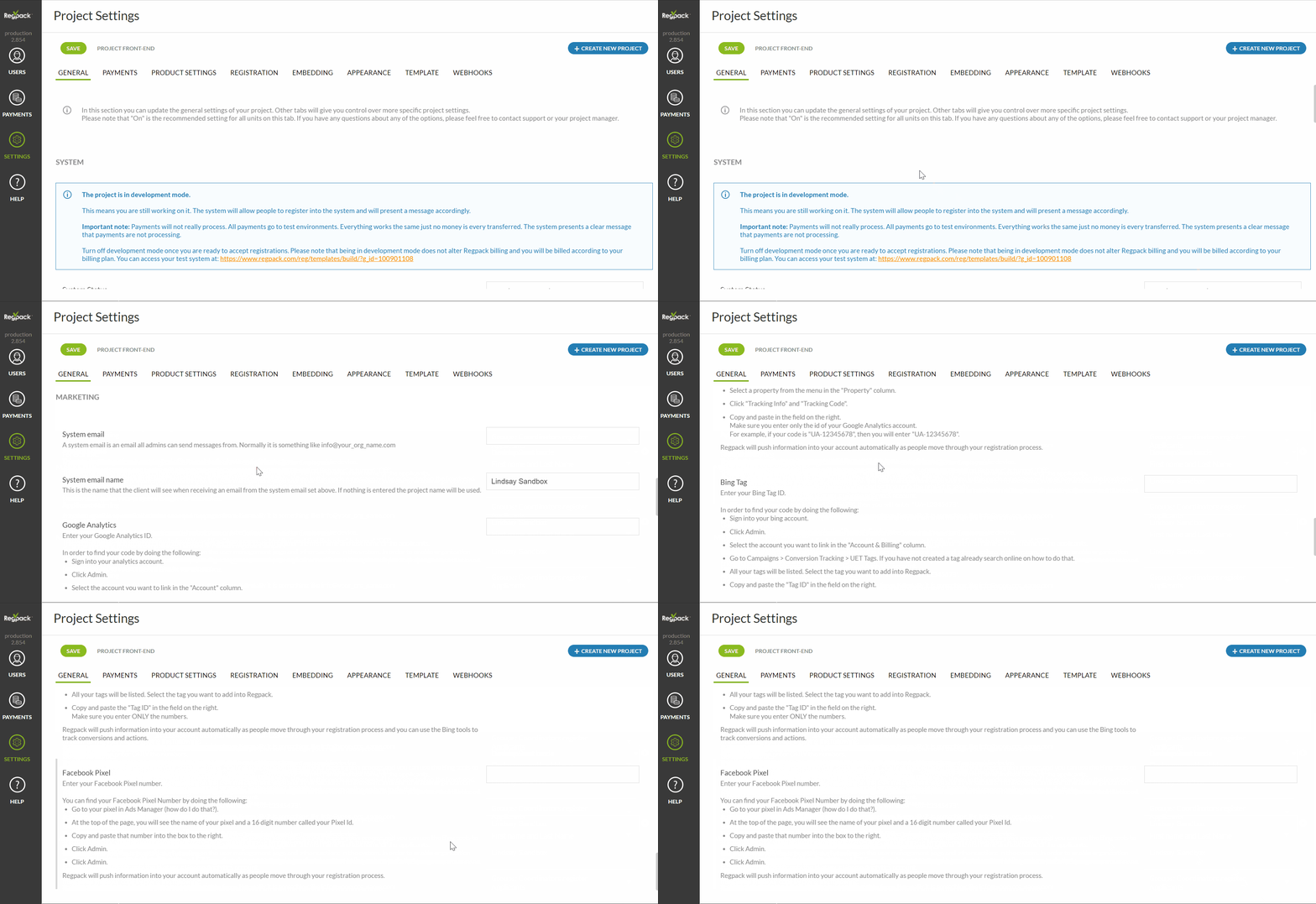
Facebook Pixel
You can add your 16 digit Facebook Pixel ID in Regpack, which will push related user activity to Facebook. If you use Facebook and Google for marketing purposes, such as boosted posts, promotions, lead generation or ads, Regpack data can be very helpful in your targeting
The following events are tracked through the pixel in Facebook:* Purchase: this fires at the same time "Payment Issued" fires for Google. This fires on every payment issued, and does not fire on payments made in the back-end.
- Submit Application: This is the same as the "sign-up" event in Google, and it's fired when a user is created.
- Complete Registration: When a registration form is completed.
You can find your Facebook Pixel Number by doing the following:* Go to your pixel in Ads Manager (how do I do that?). At the top of the page, you will see the name of your pixel and a 16 digit number called your Pixel Id. Paste this Id number into the box beside Facebook Pixel.
- If you do not know your ID/code, follow the instructions provided on the Settings page.